
Your fire safety service, in order.
ePatrol supports every patrol on site: one tap on the tag and the visit is logged. The office has everything at hand and the client sees the service delivered.
Where attention to detail makes the difference.
If your job is taking care of a place — walking by, looking, reporting — ePatrol is made for you.
Fire safety companies
Fire doors, extinguishers, hydrants, emergency lights: every check has its own point, and every issue is followed through to resolution.
Hospitals and healthcare
Wings, wards, plant rooms. Patrols day and night, with the report ready for management.
Airports
Sites with rotating shifts and large teams: the shift plan and attendance in one place, with an alert if a shift is left uncovered.
Security and reception
Many clients, many sites, one office. Each client views their own data, with no need to phone.
Universities and public bodies
Spread-out premises and detailed contract terms: the report tells the story of the service delivered, day by day.
Industry and logistics
Plants, warehouses, yards. It works offline too, and sends everything as soon as the signal returns.
Less paper, fewer phone calls, more time for the service.
Anyone who organizes patrols and sites knows these everyday hassles well. ePatrol lightens them one by one.
Something unexpected in the field comes to light late, when it's hard to put right.
The office knows right away — a patrol that doesn't start, an uncovered shift — and can plan around it.
Sheets to fill in at the end of the shift and copy out again at the office.
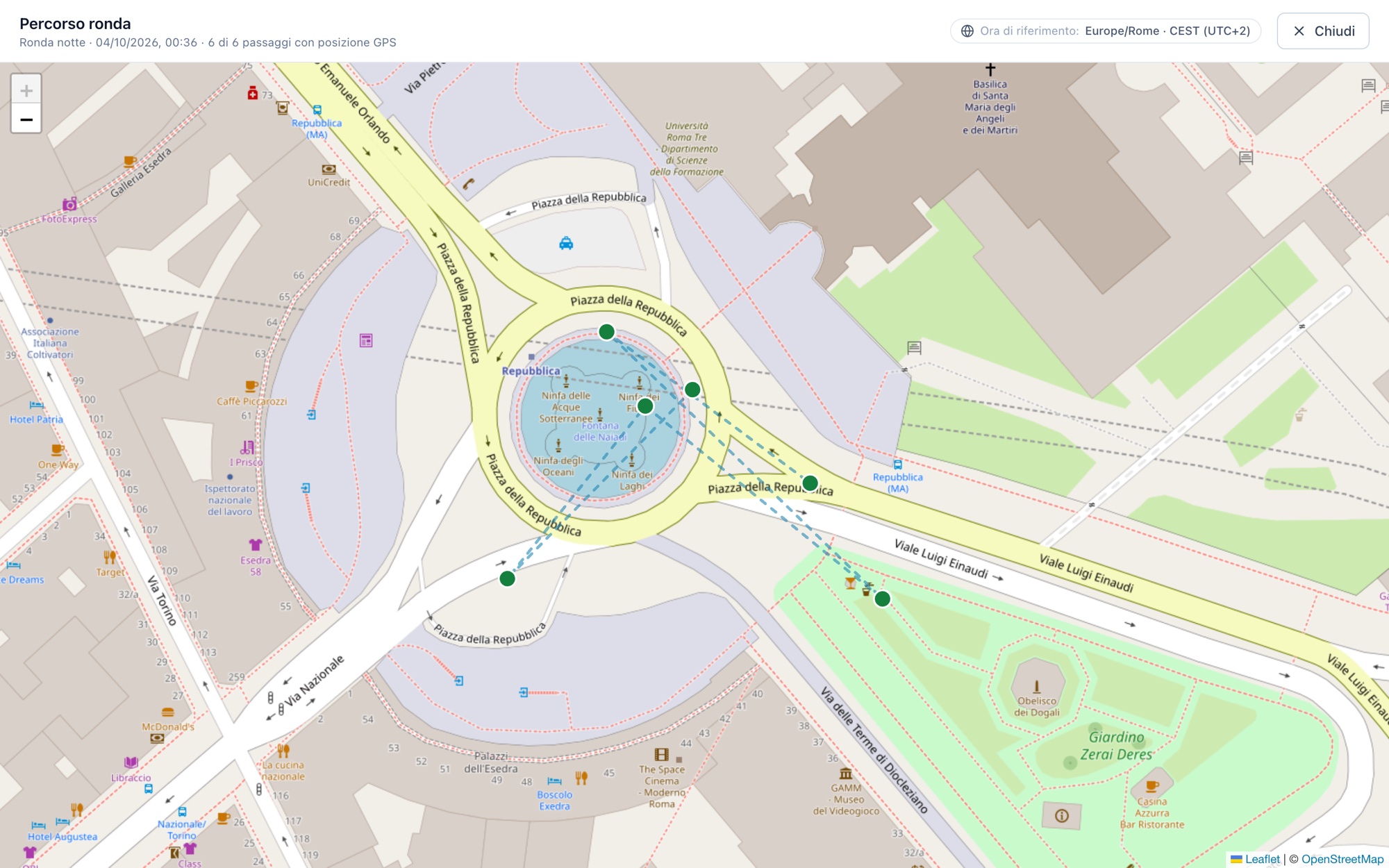
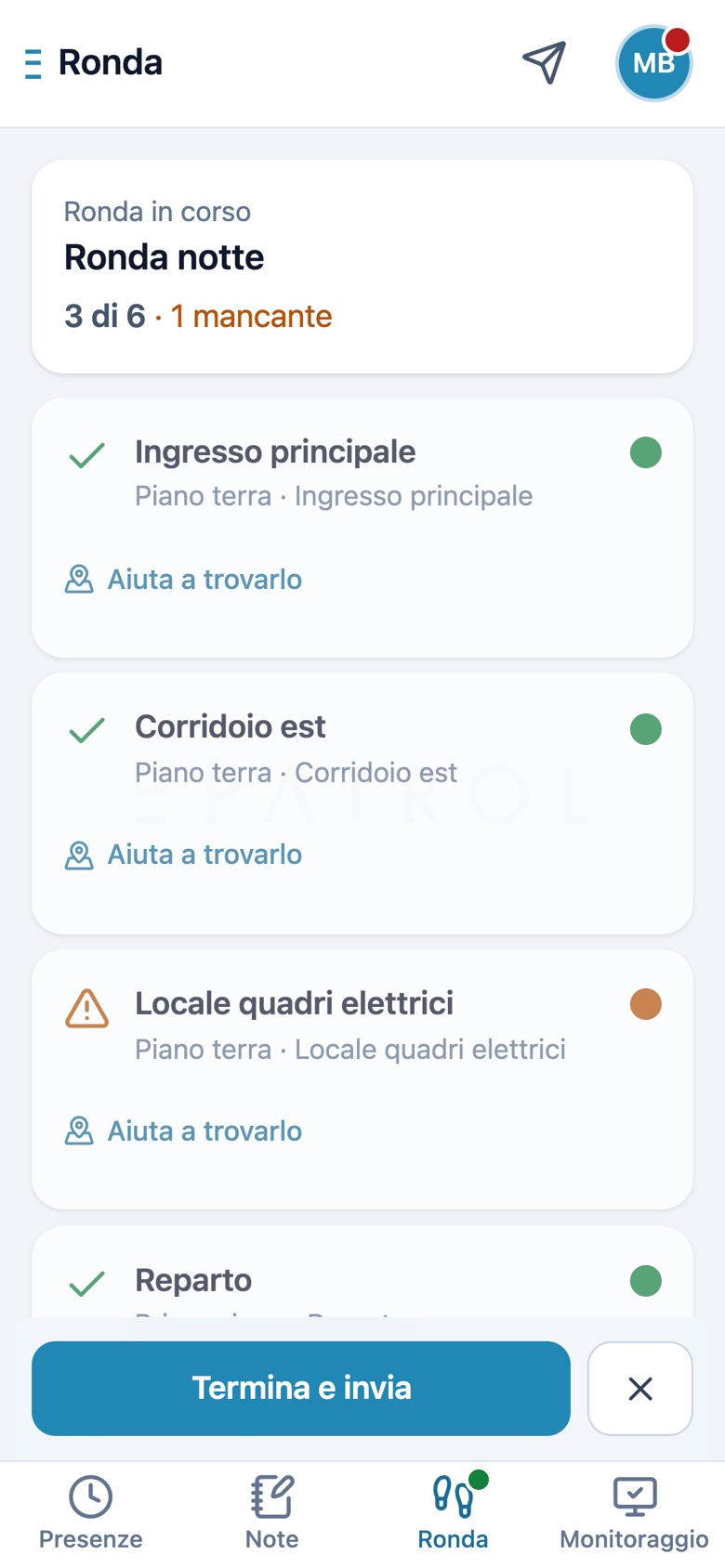
Just hold the phone near the tag: time and position are logged automatically.
Preparing the client report takes days of Excel.
The report is already ready, and the client can view their data whenever they like.
Here's what it really looks like
These are screens from the product in action. Tap a tab to see the office at work.
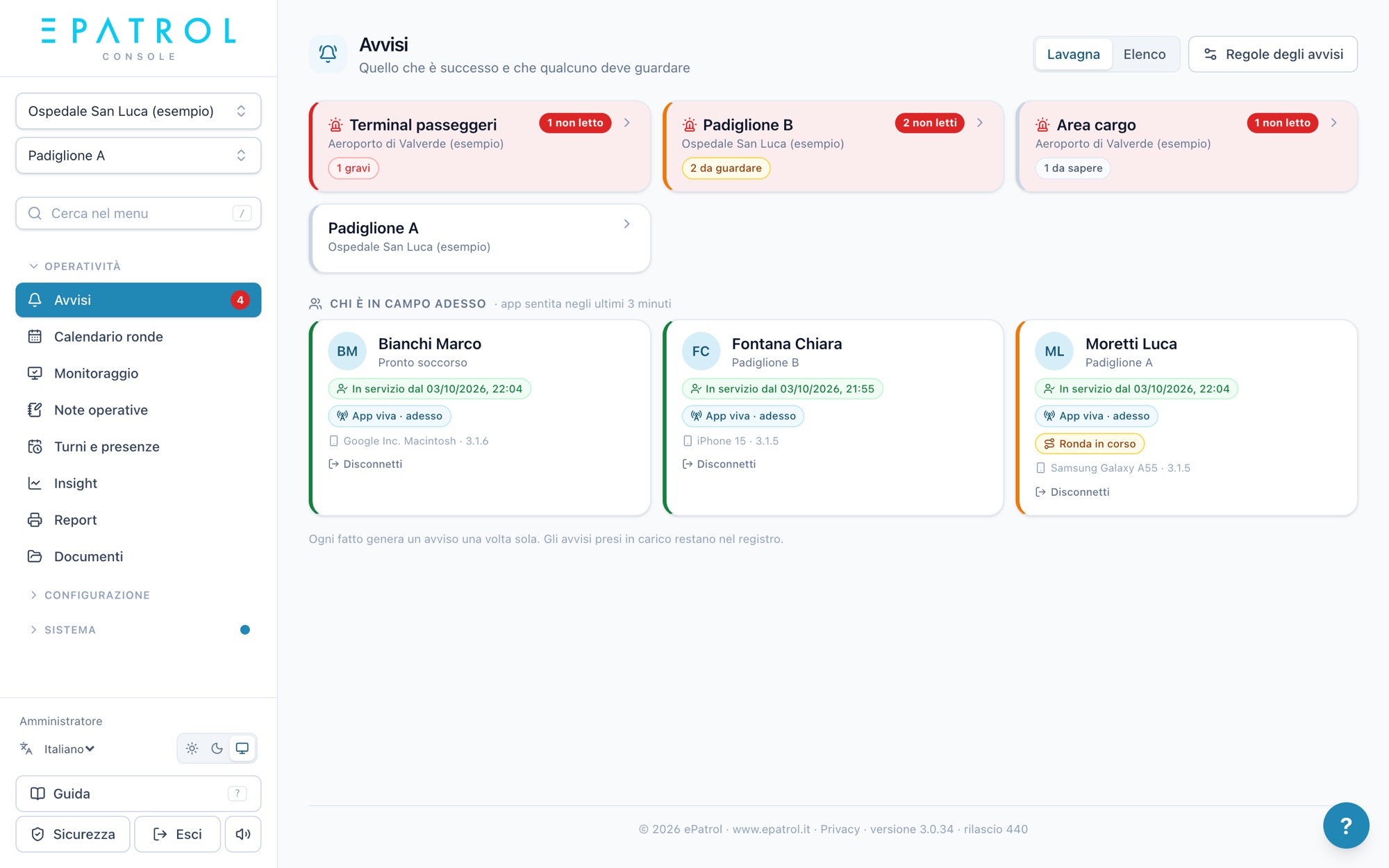
The alerts board: a tile for every site with something to look at, and below it who is on duty right now.
And on the operator's phone
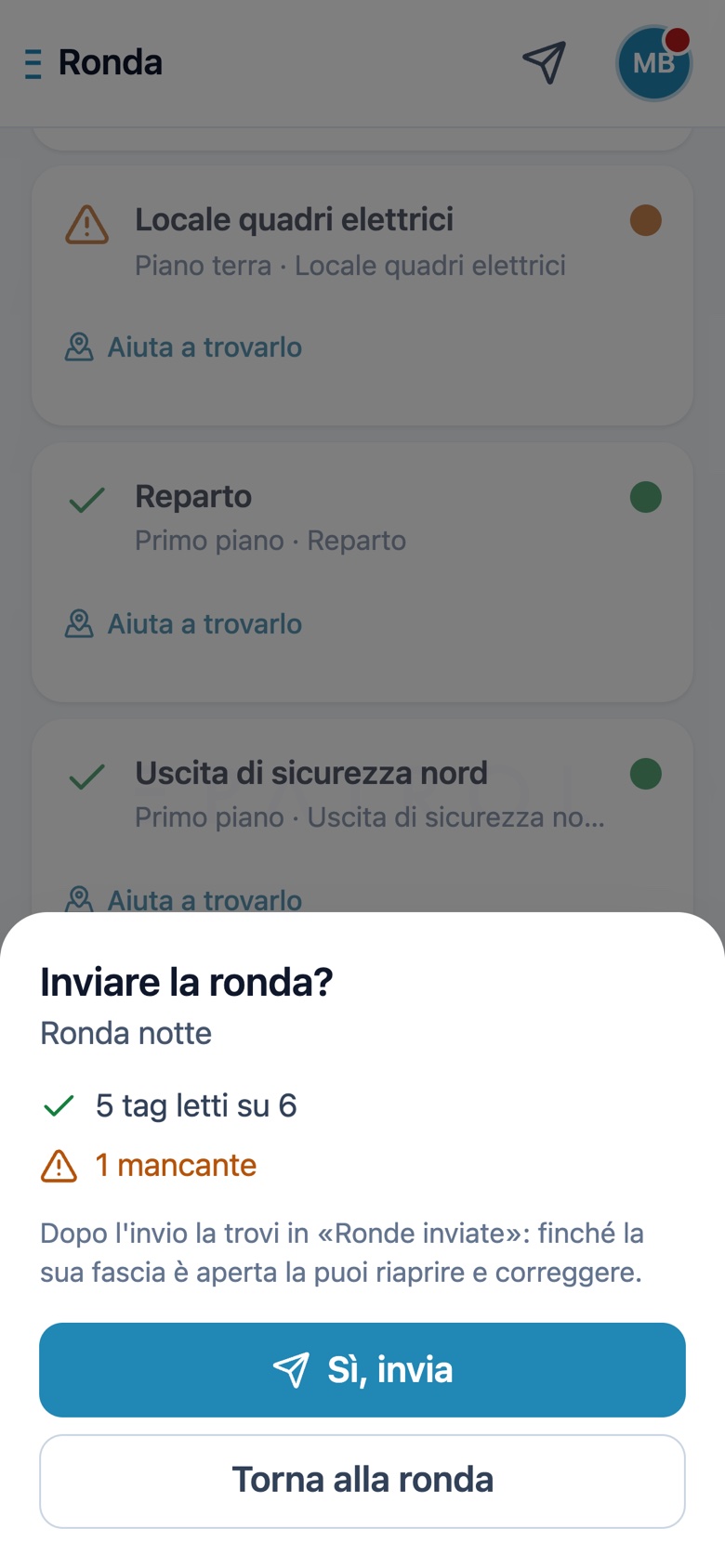
Large screens, few words, everything within thumb's reach. Easy to use in the dark and with one hand.
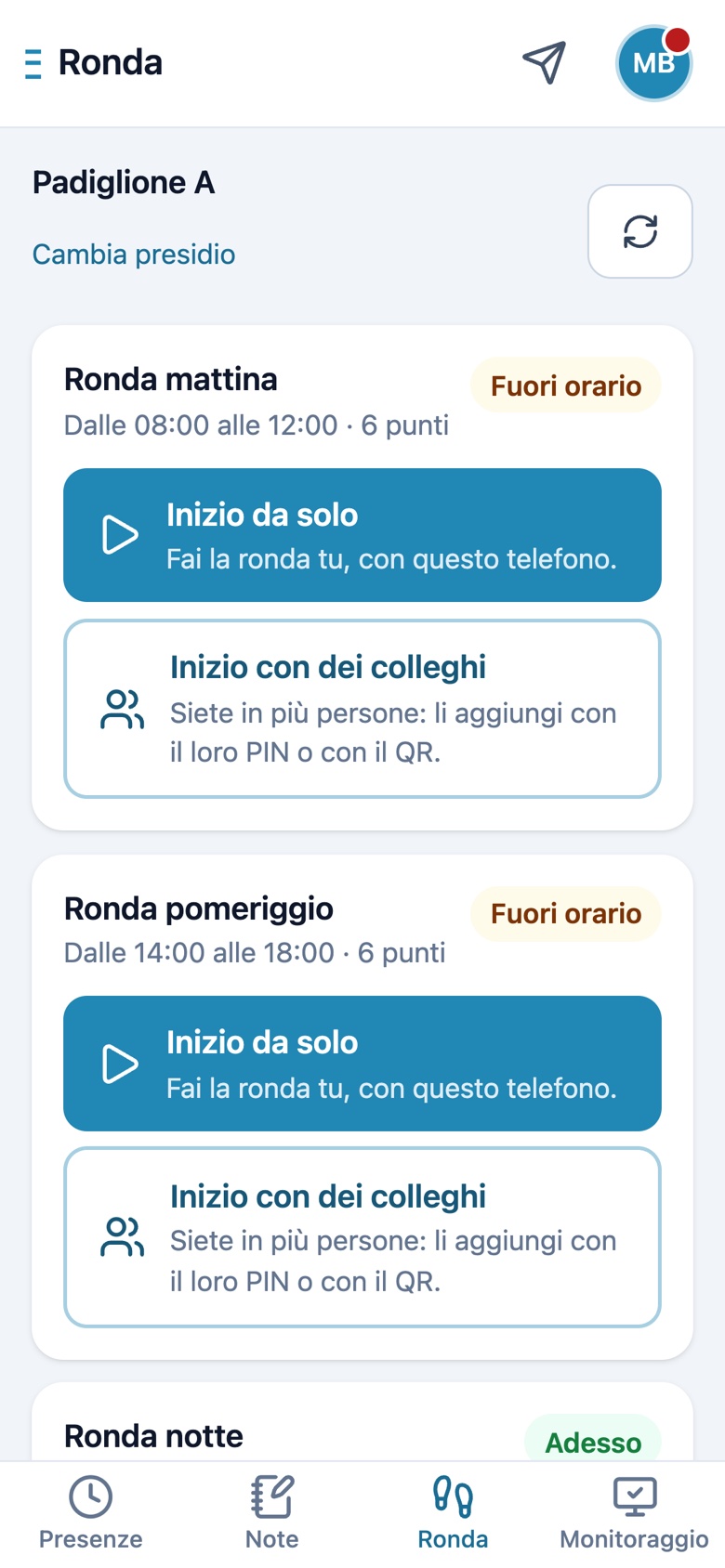
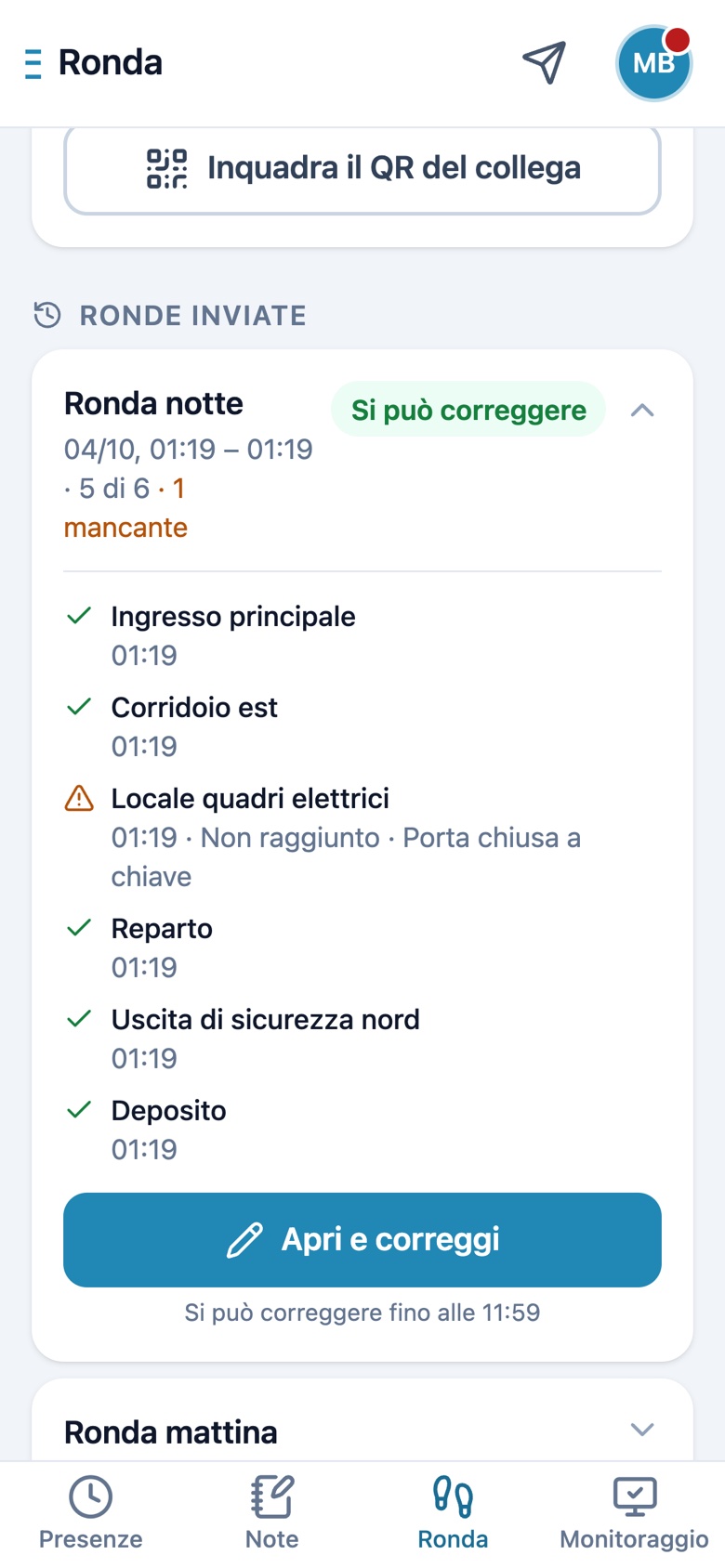
Real product screens, with a demo company: names, places and data are fictional.
Up and running in a few days.
- 1
A demo on your own cases
We show you ePatrol with your sites and your patrols. Then the 30-day free trial begins.
- 2
Sites, tags and patrols
Add your contracts and sites, fit NFC tags at the points to visit, set time slots and shifts.
- 3
Operators sign up
They scan the site's QR code from the app, on iPhone or Android. The office approves them, and you're off.
- Works with no signal
- App in six languages
- Data on servers in Europe
- Roles and permissions per contract
- All modules included in the fee
- All you need is a phone: no devices to buy
Let's talk about your sites.
Leave your details: we'll call you back to book a demo and start your 30-day free trial.
[email protected]