
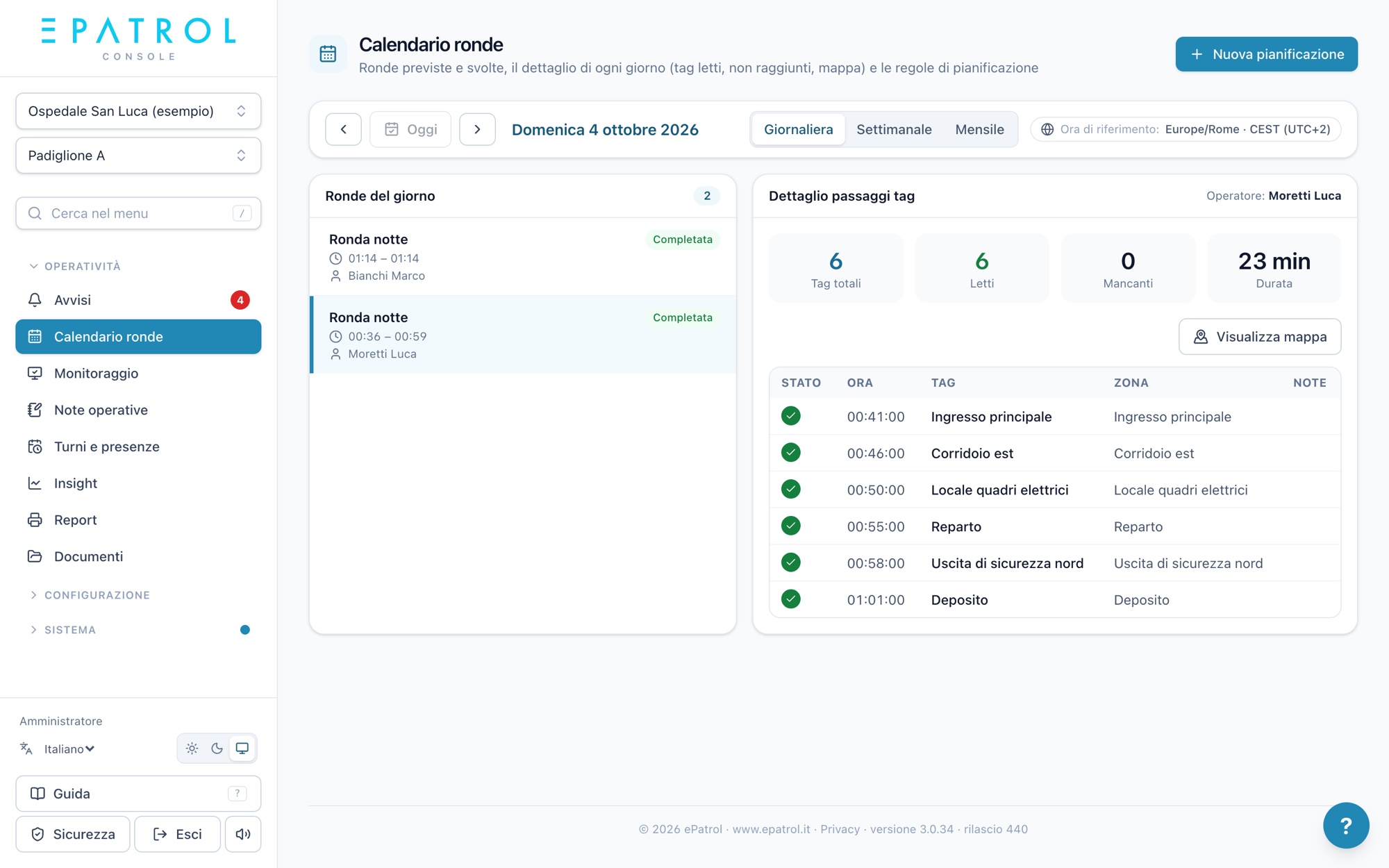
A stronger technical bid for fire safety service tenders.
In tenders for fire safety services at hospitals, airports, universities and industrial sites, the tools to plan, log and report on the service are part of the technical bid. ePatrol gives you NFC tag patrols, shifts, real-time alerts, reports and dedicated client access, from the first day of the contract.
Clear commitments, easy to verify
Every visit logged
Patrols, checks and duty starts with date, time, point and person: a commitment the client can verify on its own.
Client access
The contracting authority views patrols, issue reports and reports for its own sites from the console, whenever it wants.
Periodic reports
The period's summary as a PDF with the contract's logo, or in CSV and Excel.
Response times
Uncovered shift, patrol not started, urgent note: the alert reaches the people who need to act within seconds.
Qualified staff
Each staff member's certificates and qualifications with expiry dates, and alerts before they expire.
Connection to other systems
With API access, service data can flow into the client's own systems.
From the tender to the first day of service
- 01
Tell us about the tender
Sector, number of sites, requirements in the specifications: together we work out what's needed.
- 02
Texts for your bid
In the console you'll find the «Tenders» section with ready-made texts to adapt and screenshots to attach.
- 03
A trial on your sites
A demo built on your own cases and the 30-day free trial.
- 04
Up and running in a few days
Sites, tags and patrols are set up from the console; staff sign up by scanning the site's QR code.
Ready-made texts for your technical proposal
ePatrol users find the «Tenders» section in the console: service descriptions in three lengths, paragraphs for the most common evaluation criteria, the table of commitments and screenshots with captions to download.
Service levels, data location and custom start-up times are agreed with us for each tender.
A patrol, from start to send
Four simple steps, no training: here's what the operator sees on their phone.
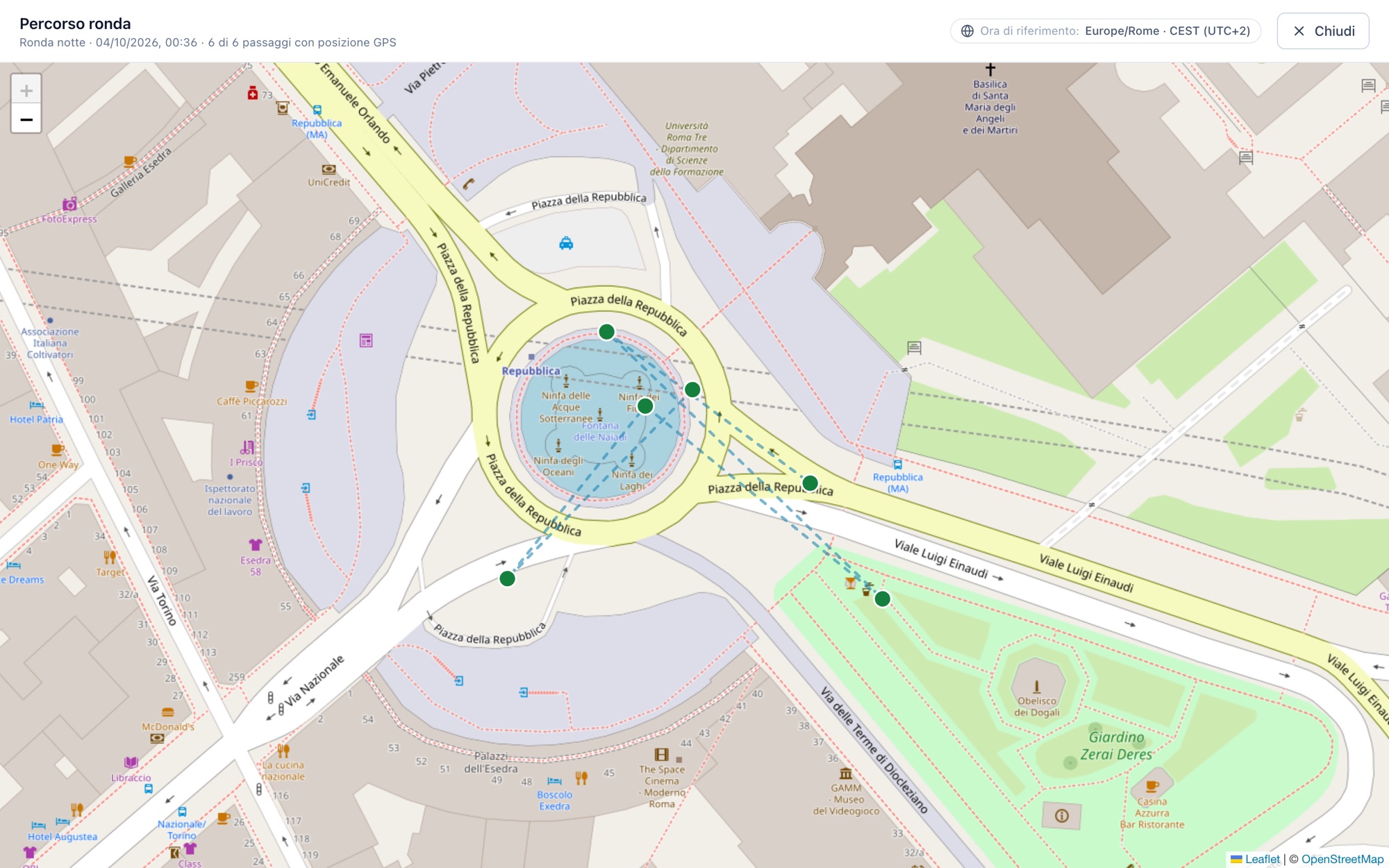
- Hold the phone near the tagThe dot turns green: time and position are recorded, with nothing to type.
- Can't reach a point?Mark it in orange with a note and carry on. The office will know why.
- Confirm and sendBefore sending you see the summary: points read, not reached, still to do.
- It stays in the historyYou'll find it under “Sent patrols” and, within the time allowed, you can reopen and correct it.
Frequently asked questions
Can I include ePatrol in my bid before winning the tender?
Yes. We prepare a demo built on your own cases and, if you need it, the 30-day free trial to show the service to the evaluation committee.
How much does it cost per contract?
A monthly fee per site and per active person, with every feature included: the cost follows the contract and grows or shrinks with the sites and staff.
Does the client need to install anything?
No. The client accesses the console from the browser with its own account, limited to its own sites.
How quickly can we start?
In a few days: you add sites and patrols, fit the NFC tags and staff sign up from the app by scanning the site's QR code.
Fire safety services, sector by sector
Fire safety service
Patrols, checks on extinguishers, fire doors and hydrants, teams and the inspection log: the overview page.
Fire safety in hospitals
Wards and buildings, fire doors, a covered team every shift, a summary for the facility.
Fire safety at airports and heliports
A clear crew on every shift, going on duty from the app, weather alerts for the site.
Fire safety in industry
Plants, refineries and depots: patrols even with no signal, teams, 24/7 shifts.
Fire safety at universities and public bodies
Multiple buildings in one console, opening and closing rounds, logged checks, reports for the body.
Hospitals, airports and universities where ePatrol supports the service every day. See our references
Shall we see together how it can help you?
We'll show you ePatrol on your own sites and patrols, with no commitment.
Get in touch